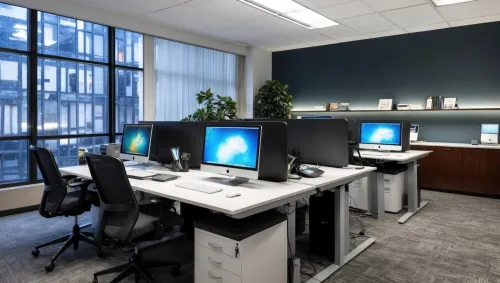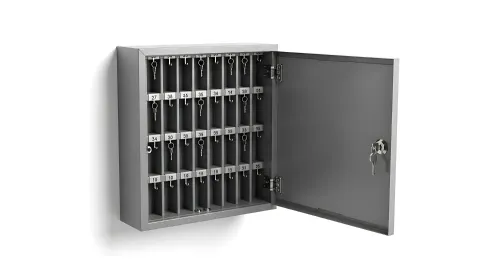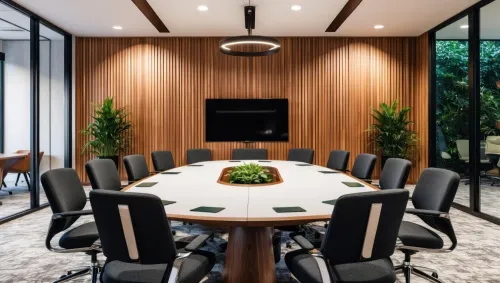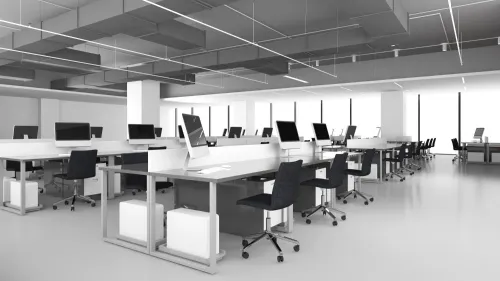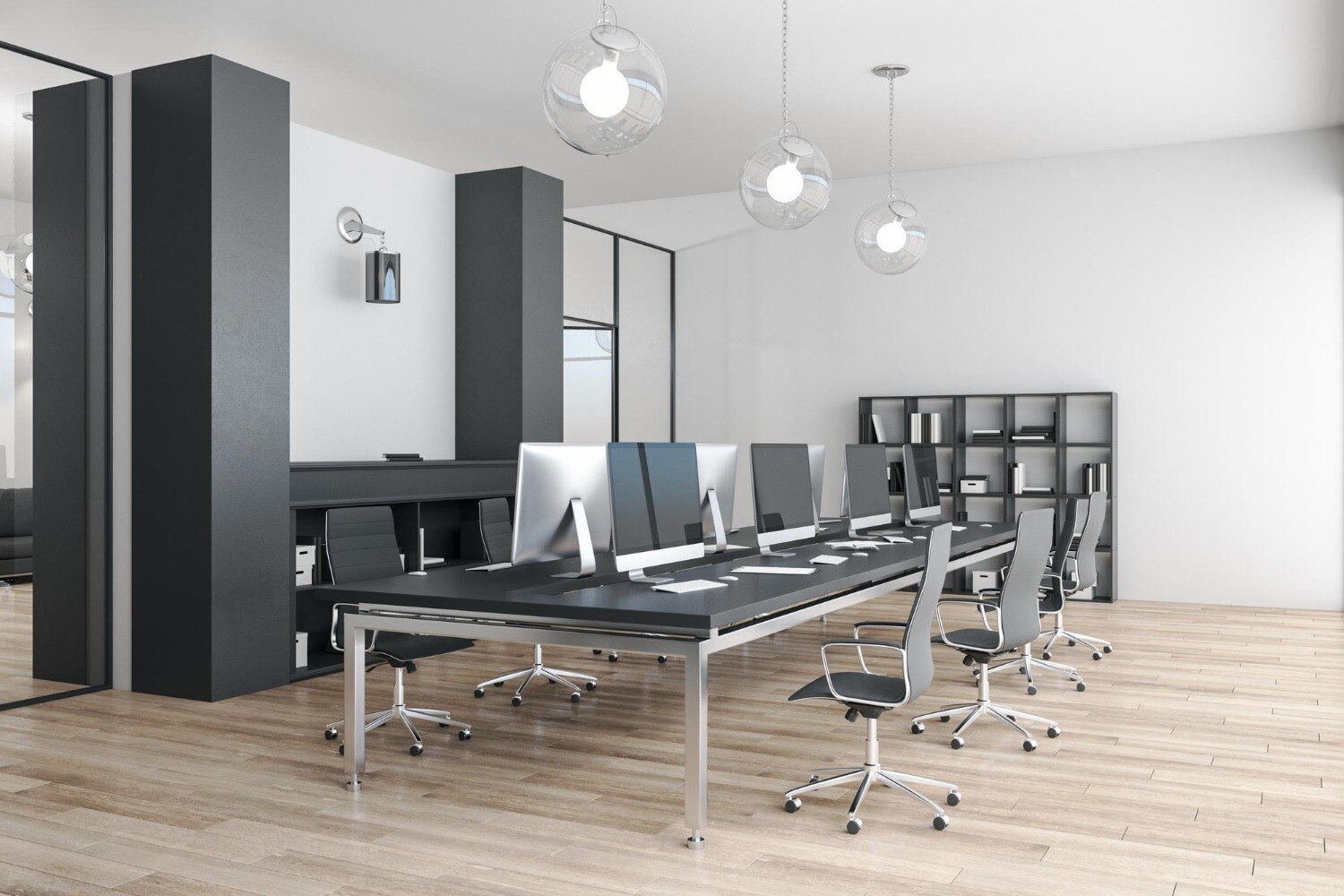
A straight desk run can support computer entry, label printing, and rapid key handovers, but the desk alone cannot control access to keys or prove who removed them. You will be able to test the layout, storage, security, circulation, and team capacity before selecting a workstation system.
Key takeaways
- Use a linear workstation when operators share records, labels and issue-and-return tasks.
- Specify lockable key cabinets separately; a desk does not provide secure custody.
- Allow clear aisles, operator reach zones and space for future positions.
- Separate warehouse noise and visitor access from private key-control work.
When a linear workstation fits the key-control workflow
Yes—a linear workstation supports the complete key-control sequence when the team mainly enters records, locates keys, prints labels, and manages issue-and-return transactions. A straight run gives operators a shared sightline and room to extend the system, but it does not provide secure custody without lockable storage.
1. Receive keys at a defined counter, check tags or access cards against the handover record, and place unverified items in a separate holding tray.
2. Record the custodian, time, key or fob identifier, destination, and expected return before moving the item into active storage.
3. Locate each approved item from labelled trays, partitioned bins, or a lockable key cabinet, keeping master keys separate from issue keys.
4. Issue the key through a controlled handover point and obtain the recipient’s acknowledgement in the register or access-control system.
5. Accept returned items into a return bin, match them to the transaction, inspect tags for damage, and update the record immediately.
6. Investigate missing, late, or mismatched items before closing the shift; reconcile the register against every active compartment and secure the remainder.
These linear office workstations for key storage teams work best when keyboards, monitors, labels, return bins, and the day’s active keys sit in the primary reach zone. Specify the linear workstation for office teams with a separate lockable module; an open shelf or unlocked pedestal cannot restrict access or create an accountable handover.
Specify secure key storage separately from the desk
Treat the desk as an administration surface, not as the security system. Specify an office workstation with storage alongside a separate, lockable key-storage module; an unlocked pedestal or open shelf cannot restrict access, record transactions, or separate master keys from daily issue keys.
Equip the station with:
- An electronic key cabinet that authenticates each user and records removals, returns, timestamps, and exceptions.
- A lockable cabinet or drawer for spare keys, access cards, locks, and sensitive documents.
- Labelled trays or partitioned bins for keys awaiting intake, ready for issue, returned, and held for investigation.
- A pegboard or controlled key rack only for active sets, with numbered positions that match the register.
- A monitor privacy filter, modesty panel, or separate handover counter where visitors or neighbouring operators could see labels and issue records.
Use this handover sequence:
- Receive the key at the controlled counter, verify its label and condition, and enter the asset number, holder, time, and purpose.
- Place it in the designated intake position until the record is complete; never mix unverified returns with ready-to-issue keys.
- Release it through the electronic cabinet or a signed register that captures the issuer, recipient, time, and expected return.
- On return, match the key to its record, inspect it, log the time, and move it to the return or discrepancy bin.
- Reconcile the register at shift end, secure spare and master keys, and escalate every missing or damaged item before handover.
A conventional lockable cabinet provides containment, not an audit trail; add a controlled sign-out process if electronic access records are unavailable.
Calculate positions, reach zones, counters, and aisle space
Allow 1,200–1,500 mm of clear work surface for each seated operator, with 700–800 mm depth. Keep the primary reach zone within 400–450 mm of the user: keyboard, monitor, label printer, return tray, register, and the day’s active keys belong there. Put spare key sets and bulk supplies in adjacent storage, not under the knees.
Calculate secure capacity from the busiest shift, not the desk’s advertised length. Count every required lockable compartment, then add compartments for spare, master, damaged, and unassigned keys. Record each compartment’s internal dimensions, maximum key-ring or fob size, cabinet load rating, and door swing. An unlocked pedestal or open shelf is not controlled storage.
Use this checklist when laying out a linear desk system for businesses:
- Provide a separate lockable key cabinet, drawer bank, or compartment module for active and spare keys.
- Reserve a 900–1,200 mm handover counter for standing issue-and-return transactions; keep it outside seated operators’ knee space.
- Leave at least 1,200 mm behind seated users for movement; use 1,500 mm where warehouse staff, trolleys, or two-way traffic pass.
- Confirm that open doors and drawers do not hit neighbouring operators, the handover counter, or the aisle.
- Add a modesty panel or privacy filter if labels, issue screens, or paperwork face visitors.
A longer straight run does not create more transaction capacity. If receiving, quarantine, and handover compete for the same surface, add a return section or separate counter instead of compressing each operator’s reach zone.
Plan the warehouse-office location for safety and privacy
Keep the linear run outside forklift lanes, pedestrian aisles, dock approaches, and emergency exits. Measure the complete occupied zone, including chairs, queue rails, key cabinets, bins, and open drawers; a desk that fits its nominal footprint can still obstruct a passageway or create a collision point.
Choose workstations for warehouse offices with wipe-clean, impact-resistant surfaces and protected cable routes. Keep them away from direct dust, rain, and temperature swings, and do not use the desk for heavy packaging, tools, or mechanical handling. Those tasks belong at a warehouse workbench.
A linear run exposes labels, issue screens, and custody paperwork. Add a modesty panel, privacy filter, and visitor position, or move confidential handovers to a separate counter facing away from passing traffic.
Equip the boundary workstation with:
- A lockable cabinet positioned on the controlled side, not beside the public approach
- A fixed return bin and active-key tray within the operator’s primary reach
- A physical barrier or queue rail that keeps visitors out of the operator’s legroom
- Lockable, wipe-clean storage with doors that do not strike chairs or moving traffic
- Adjustable monitors, chairs, keyboards, and mice at every user position
Keep emergency access clear at all times. Check that drawers and cabinet doors can open without entering an aisle, and route cables where carts, cleaning equipment, and wet floors cannot damage them.
Use a specification test before choosing the workstation
Choose by running the actual key-control sequence at full speed, not by counting seats. Linear office workstations for key storage teams pass only when operators can record custody, locate, issue, return, reconcile, and secure keys without crossing another person’s reach or blocking an aisle.
| Team pattern | Practical test | Pass condition |
|---|---|---|
| One operator | Complete a full shift simulation using the computer, printer, active keys, return bin, and lockable cabinet | Every item stays within reach; legroom remains clear; the operator can see the screen and storage without repeated twisting |
| Small or shift-based team | Run an overlapping handover with two operators, then swap positions | Both users can open storage, print labels, and check records without striking drawers, sharing passwords, or leaving keys unattended |
| Several simultaneous users | Have every position issue and return keys while adjacent cabinets and drawers open | No collision, queue, blocked aisle, exposed label, or interruption to another transaction |
Test the furniture with the storage module installed. An office workstation with storage fails if an unlocked pedestal replaces controlled custody, or if cabinet doors cannot open beside seated users. Request lockable compartments, internal dimensions, key-ring capacity, load rating, and door-swing clearances.
For a linear desk system for businesses, add a privacy test: a visitor standing at the aisle must not read key labels or issue screens. Vedika Interior can be asked to draw that sightline and show the separate lockable module before manufacture.
Related products
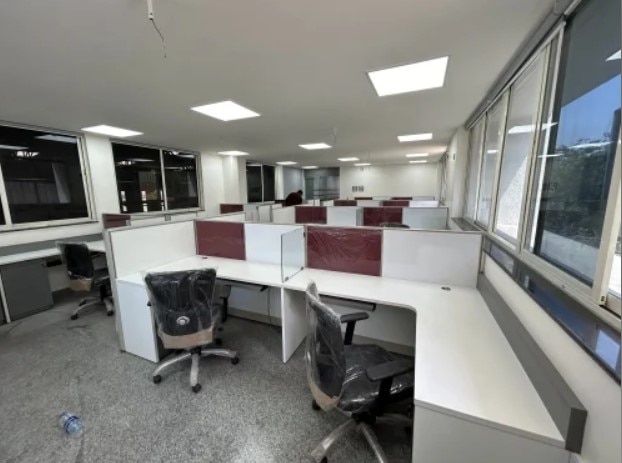 | Modular Office Workstation Manufacturer in Pune – Efficient Layouts for Modern Offices A Linear Workstation is a practical and space-efficient office furniture solution... View product → |
 | Modular Office Workstation Manufacturer in Pune – Flexible, Modern Solutions for Productive Workspaces An Office Modular Workstation is designed to create efficient, organized,... View product → |
Frequently asked questions
When does a linear workstation fit a key-control workflow?
It fits teams that mainly enter records, locate keys, print labels and manage issue-and-return transactions. The straight run supports shared sightlines and future positions.
Does a linear workstation provide secure key storage?
No. Specify lockable key cabinets or another controlled storage system separately from the desk, with access limited to authorised staff.
How should you calculate positions, reach zones and aisle space?
Count operators and transaction equipment, then allow each person a practical seated reach zone. Keep aisles clear for movement, deliveries and emergency access.
Where should a key-control workstation sit in a warehouse office?
Place it away from vehicle routes, dust, excessive noise and unrestricted visitor access. Preserve privacy while maintaining a controlled view of relevant entry points.
Related products
 | Modular Office Workstation Manufacturer in Pune – Smart, Flexible Solutions for Modern Offices A Modular Workstation is designed to create efficient, organized, and adaptable... View product → |
 | Modular Office Workstation Manufacturer in Pune – Designed for Comfort, Space, and Efficiency An L-Shape Office Workstation is a smart and ergonomic solution for modern offices... View product → |
 | Modular Office Cubicles A Linear Modular Office Cubicle refers to a modular office workstation system arranged in a straight, linear layout — typically panels and desks... View product → |
 | Industrial Workstation Table Modular Industrial Workstation Table Modular Workstation Table Manufacturer in Pune – Smart, Flexible Furniture for Modern Offices A Modular Workstation Table is designed to support... View product → |
Keywords